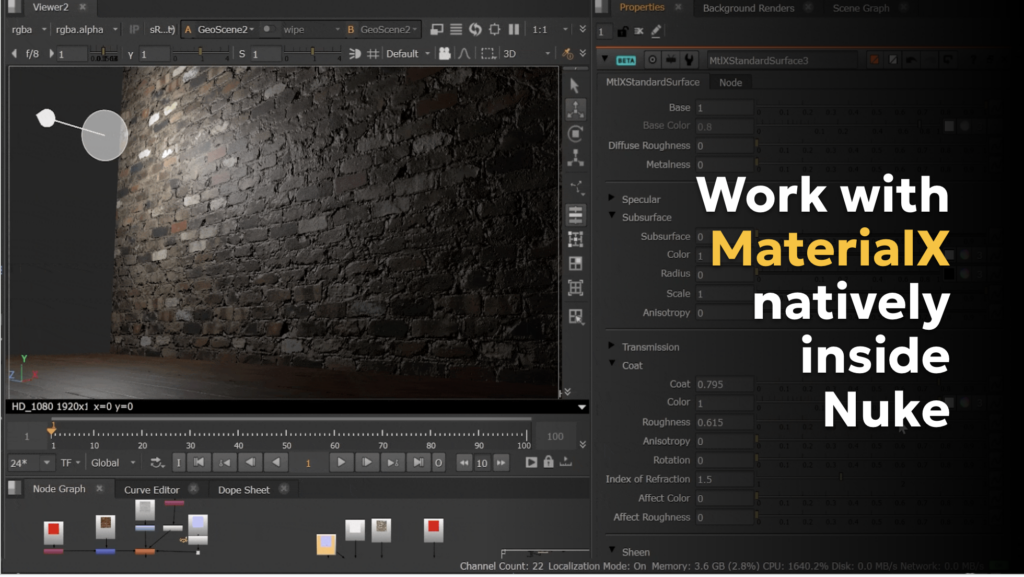
Foundry’s recent Nuke 17.0 release marks a significant leap forward for the industry-standard compositing toolkit, including the first step for native MaterialX support in Nuke. Artists can now access a new MtlXStandardSurface node to view and render Autodesk Standard Surface for MaterialX shaders directly inside Nuke’s new USD-based 3D system. This enhances visual consistency and reduces roundtripping between CG and compositing when last minute adjustments are needed. Artists can also preview MaterialX shaders in Nuke’s Hydra viewport and render via ScanlineRender2.
Leveraging MaterialX in Nuke 17.0, compositors can create more complex shaders directly in Nuke, or bind imported MaterialX shaders onto meshes imported into Nuke allowing for artists to create a mini material library that can be assigned to geometry across your scene. The look of materials can be customized with various texture inputs, including Base, Base Color, Diffuse, Roughness, and Metalness. Specular, Subsurface, Transmission, Coat, Sheen, Emission, Thin Film, and Geometry settings can also be adjusted.
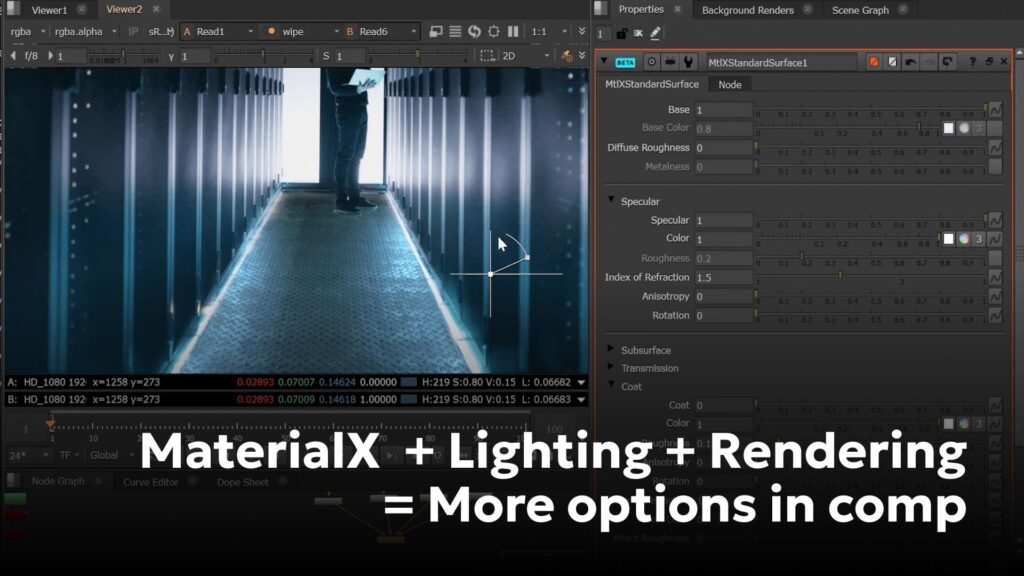
While the initial implementation is focused on supporting the MtlXStandardSurface shader, this is the first step in a broader implementation. To see an example workflow of MaterialX in Nuke, see MtlXStandardSurface: MaterialX Shader.
Empowering artists with creative control is a key principle in Foundry product development, and the company’s embrace of open standards furthers that mission. Having access to MaterialX in Nuke provides a common, open standard for representing material and look development content.
For more, visit: https://www.foundry.com/products/nuke-family/nuke
This is a guest post provided by Foundry. For more info on ASWF membership, visit: https://www.aswf.io/members/